How We Verify Every Authentic Pre-Owned iPhone

0

Buying a pre-owned iPhone can be a smart way to enjoy premium Apple technology at a more affordable price. However, customers naturally want answers before spending their money:

Is the phone authentic? Has it been repaired? Is it free from iCloud lock? Does Face ID work? Is the battery healthy? Are there any hidden problems?

At Elite Gadgets, trust begins before a device appears on our website. Every eligible iPhone goes through a structured inspection process covering identity, security, repair information, physical condition and real-world functionality.

An authentic iPhone is a genuine Apple device. However, “authentic” does not automatically mean that a phone has never been repaired or that every component is still factory-original. That is why we inspect both the identity of the device and the information available about its parts and service history.

Our goal is simple: clearly identify the device, check its essential functions and give customers honest information about the phone they are considering.
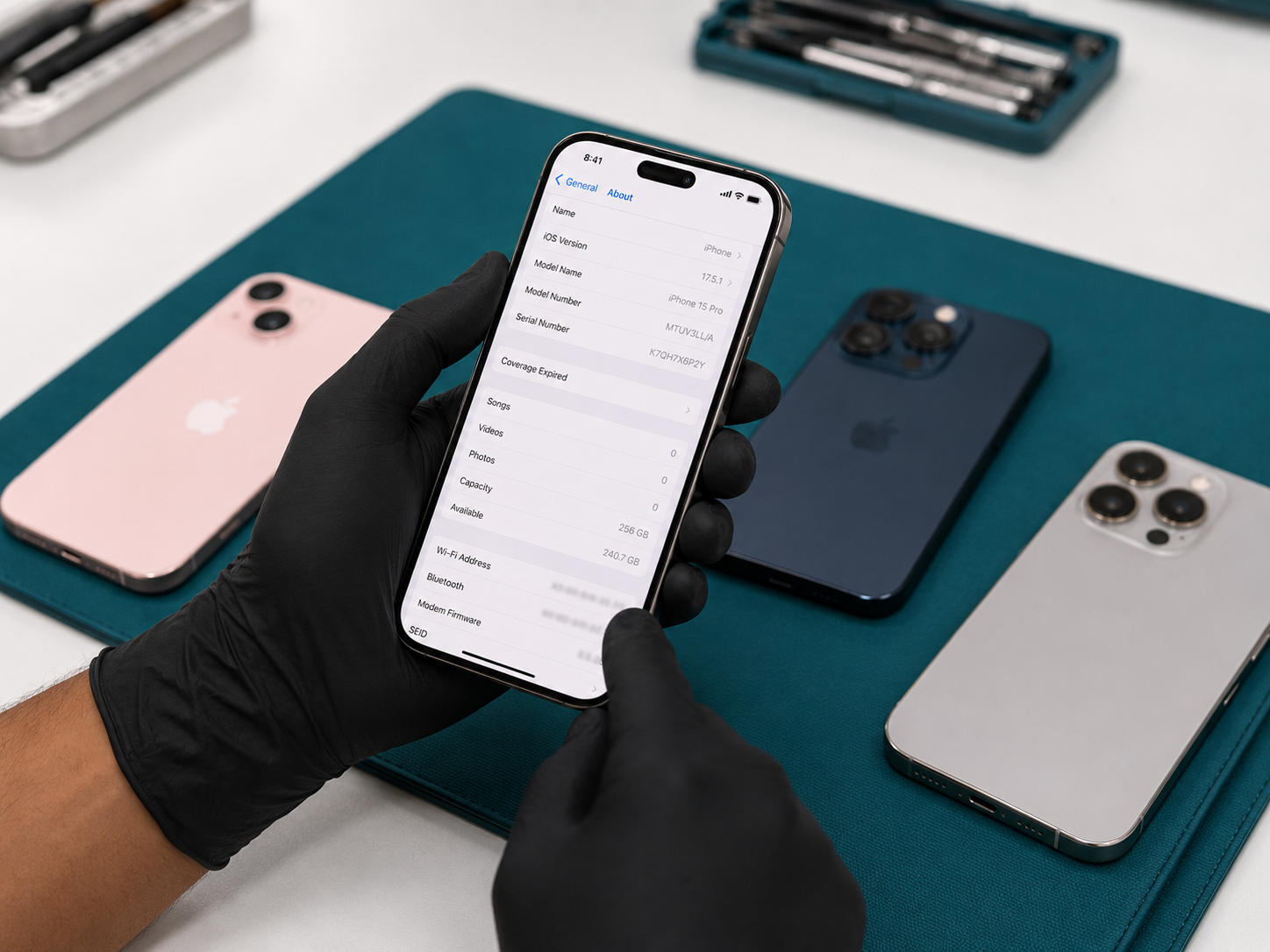
1. We verify the model, identity and specifications

The inspection begins by confirming that the physical device matches its system information.

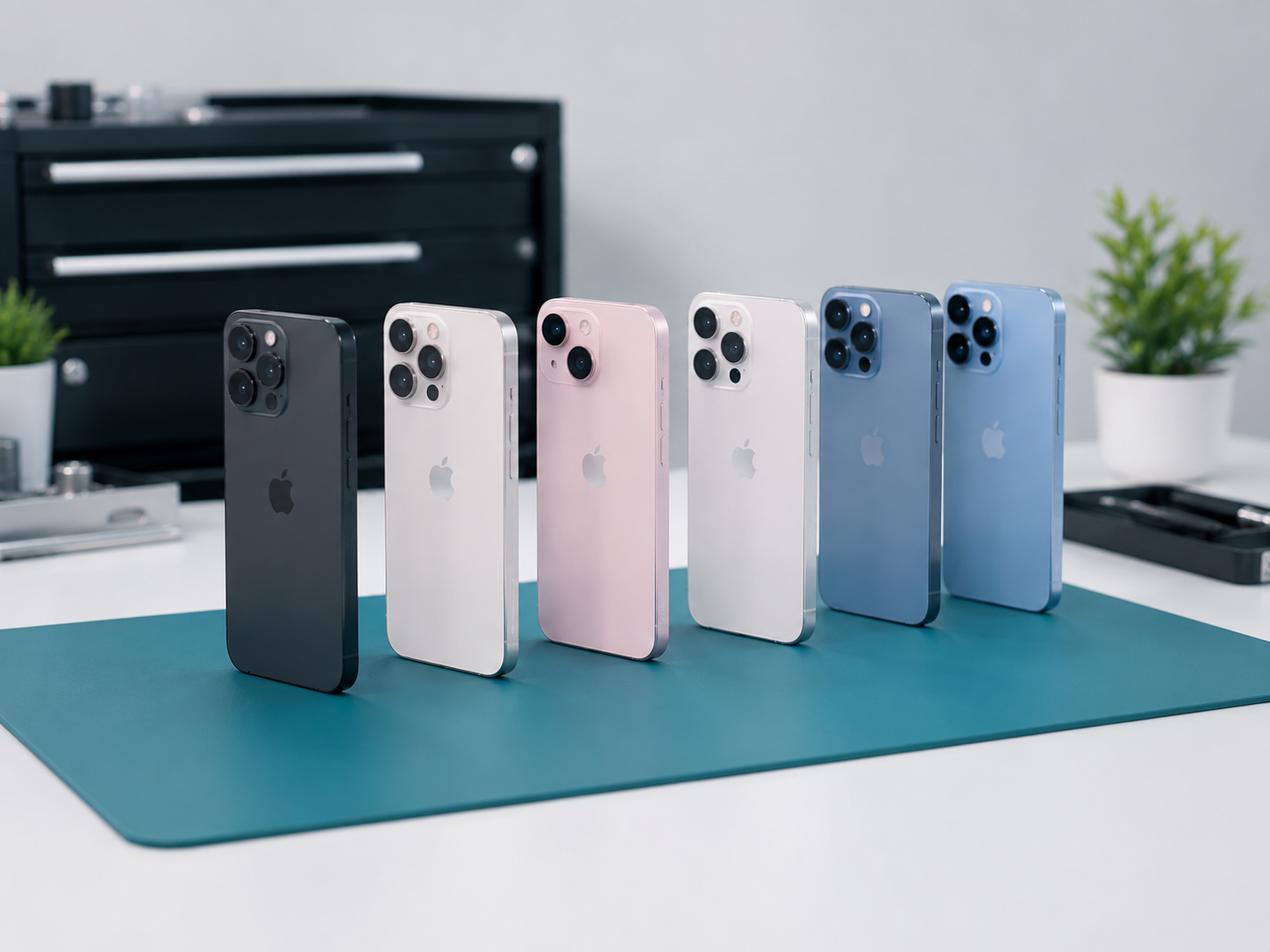
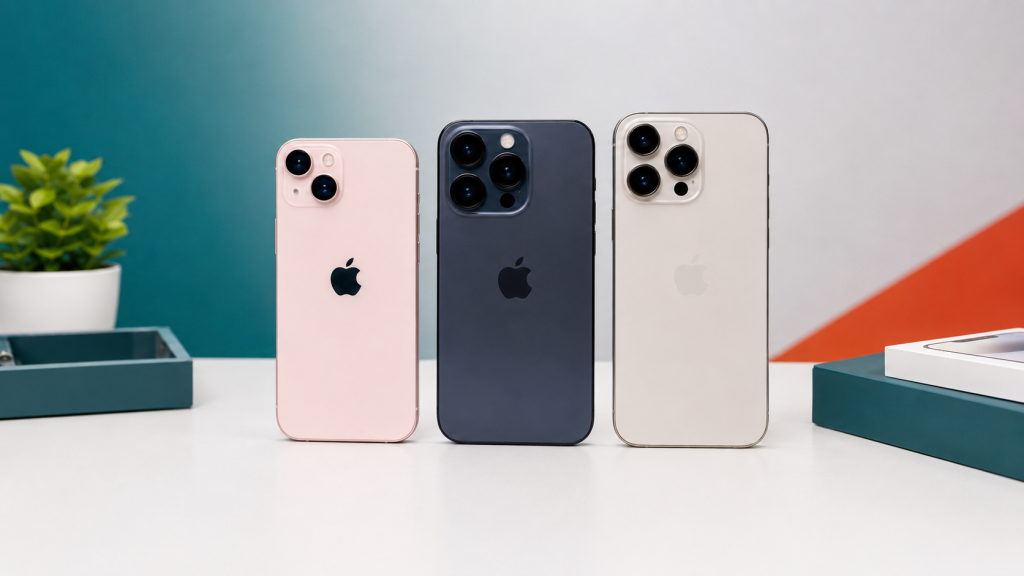
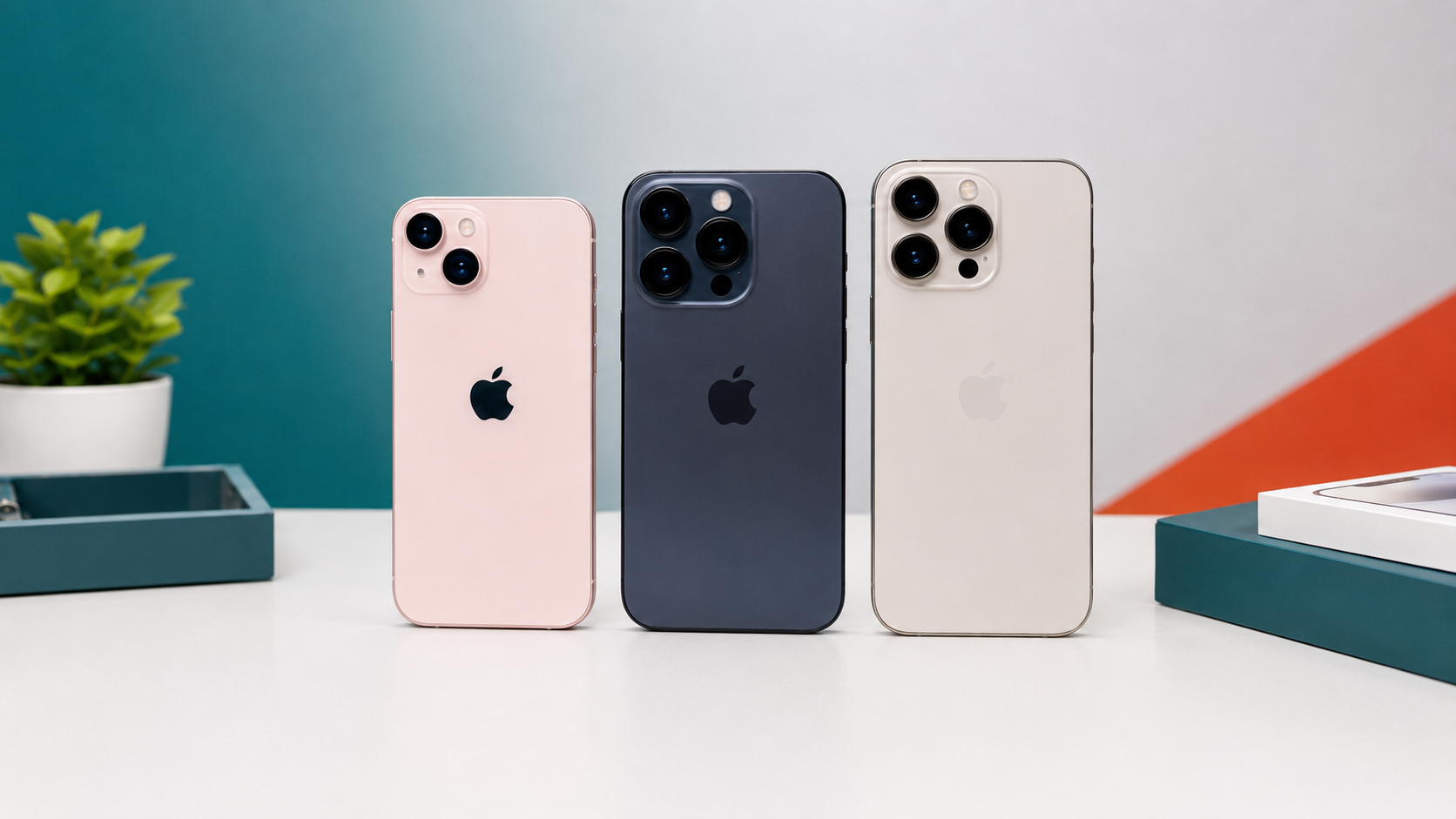
We review the iPhone’s model name, storage capacity, software information, serial number and IMEI details. We also make sure the colour, camera arrangement, body design and other physical features are consistent with the stated model.

This helps us identify listing mistakes and suspicious inconsistencies before the phone reaches a customer. An iPhone 13, iPhone 14 or iPhone 15 series device must be advertised with the correct model, storage and condition information.

We do not rely only on the appearance of the phone. The information shown inside the device is also reviewed as part of the verification process.

2. We check for Activation Lock and previous-owner access

A pre-owned iPhone should be ready for its new owner to set up with their own Apple Account.

Before approval, we check that the previous owner’s account has been removed and that the device is not blocked by Activation Lock. Apple specifically advises buyers not to purchase an iPhone that is Activation Locked.

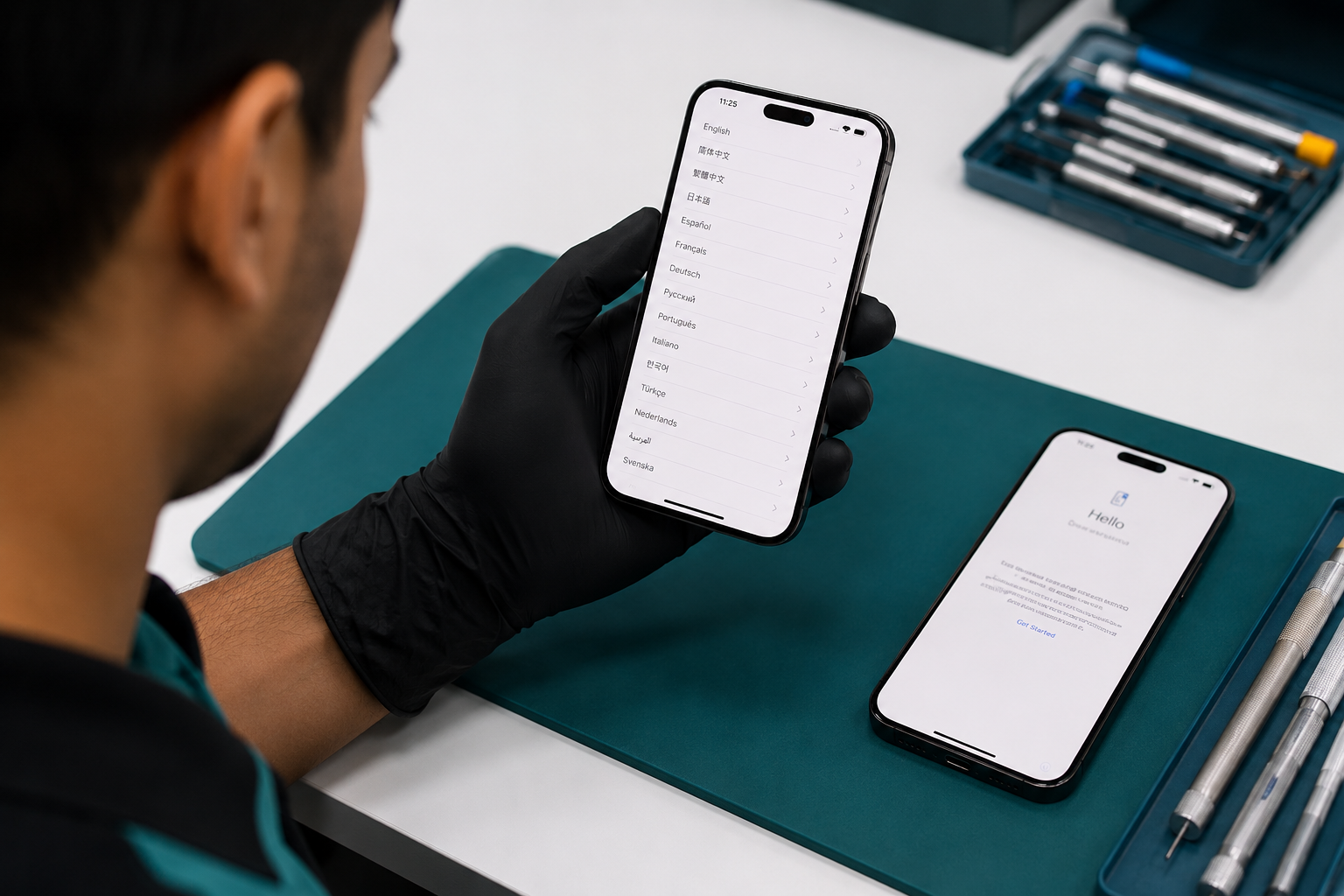
The device is erased and taken through the setup stage to confirm that it can proceed normally without requesting the credentials of a previous owner.

This is one of the most important checks in the entire process. A phone may look excellent externally, but it is not suitable for resale if the rightful account ownership has not been properly cleared.

3. We review Parts and Service History

On supported iPhones running an appropriate iOS version, repair information may appear under:

Settings → General → About → Parts and Service History

This section can provide information about major components that have been serviced or replaced. Depending on the device and repair circumstances, the system may show labels such as Genuine, Used or Unknown. Apple explains that an Unknown message may appear when a part cannot be verified, is not functioning as expected, has been modified or is not a genuine Apple part.

We inspect this information and compare it with the phone’s behaviour during testing.

A repair history does not automatically make a device bad. What matters is transparency, proper function and accurate disclosure. When relevant information is available, it should be communicated clearly rather than hidden behind vague terms.

4. We inspect the body for damage, previous repair signs and display

The phone is then checked carefully under good lighting.

We examine the:

  • Display glass and screen edges
  • Aluminium, stainless-steel or titanium frame
  • Back glass
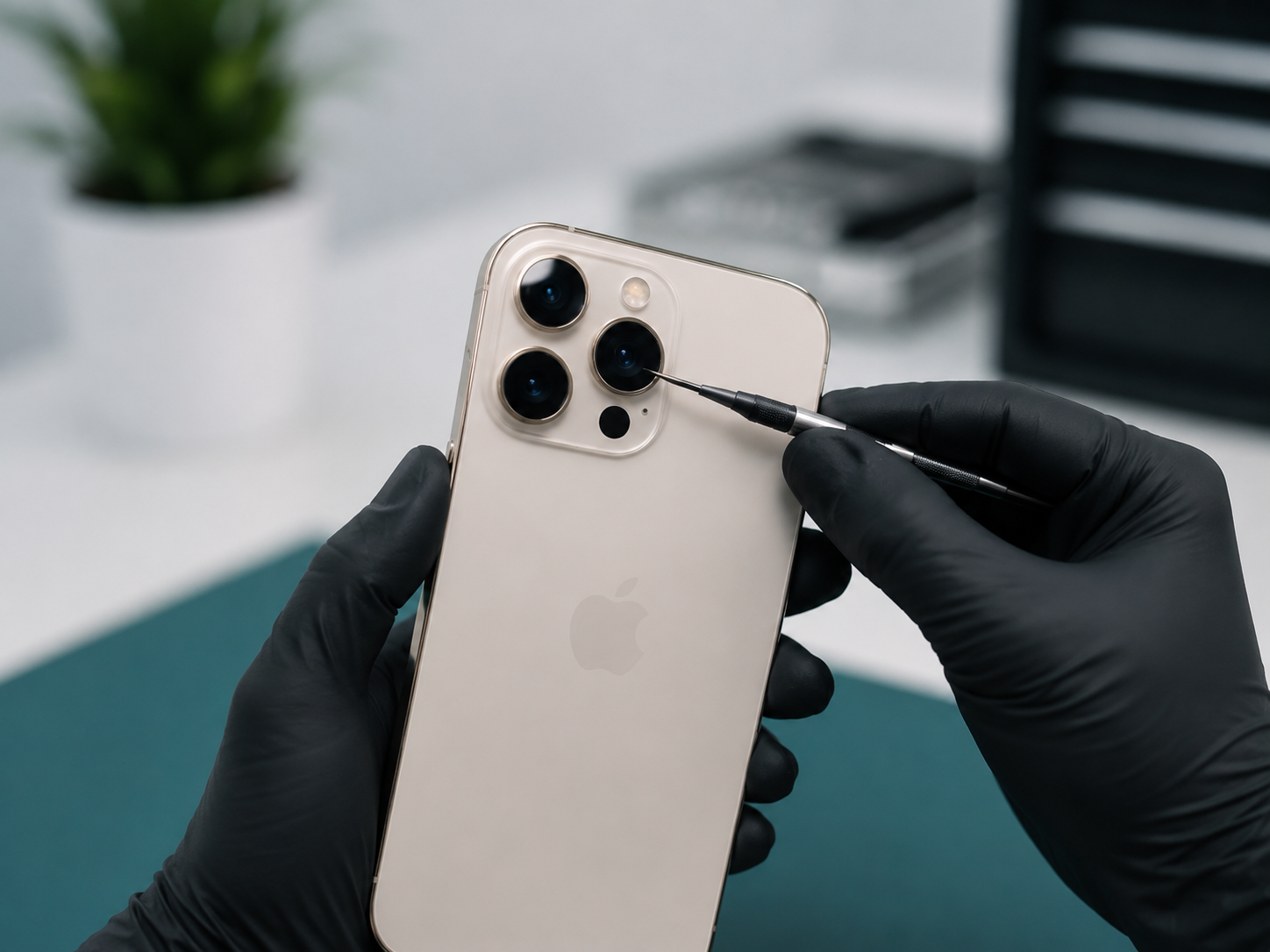
  • Camera lenses and surrounding rings
  • Buttons and mute or Action control
  • Speaker and microphone openings
  • SIM tray, where applicable
  • Charging port
  • Gaps, bends, dents and signs of impact

We also look for signs that the phone may have been poorly opened or reassembled, including unusual gaps, loose components, damaged screws or badly fitted panels.

Normal cosmetic wear can be acceptable on a pre-owned phone, but it should match the condition grade shown in the product listing. A customer should not receive a device with damage that was not clearly described.

We test the display and touch response

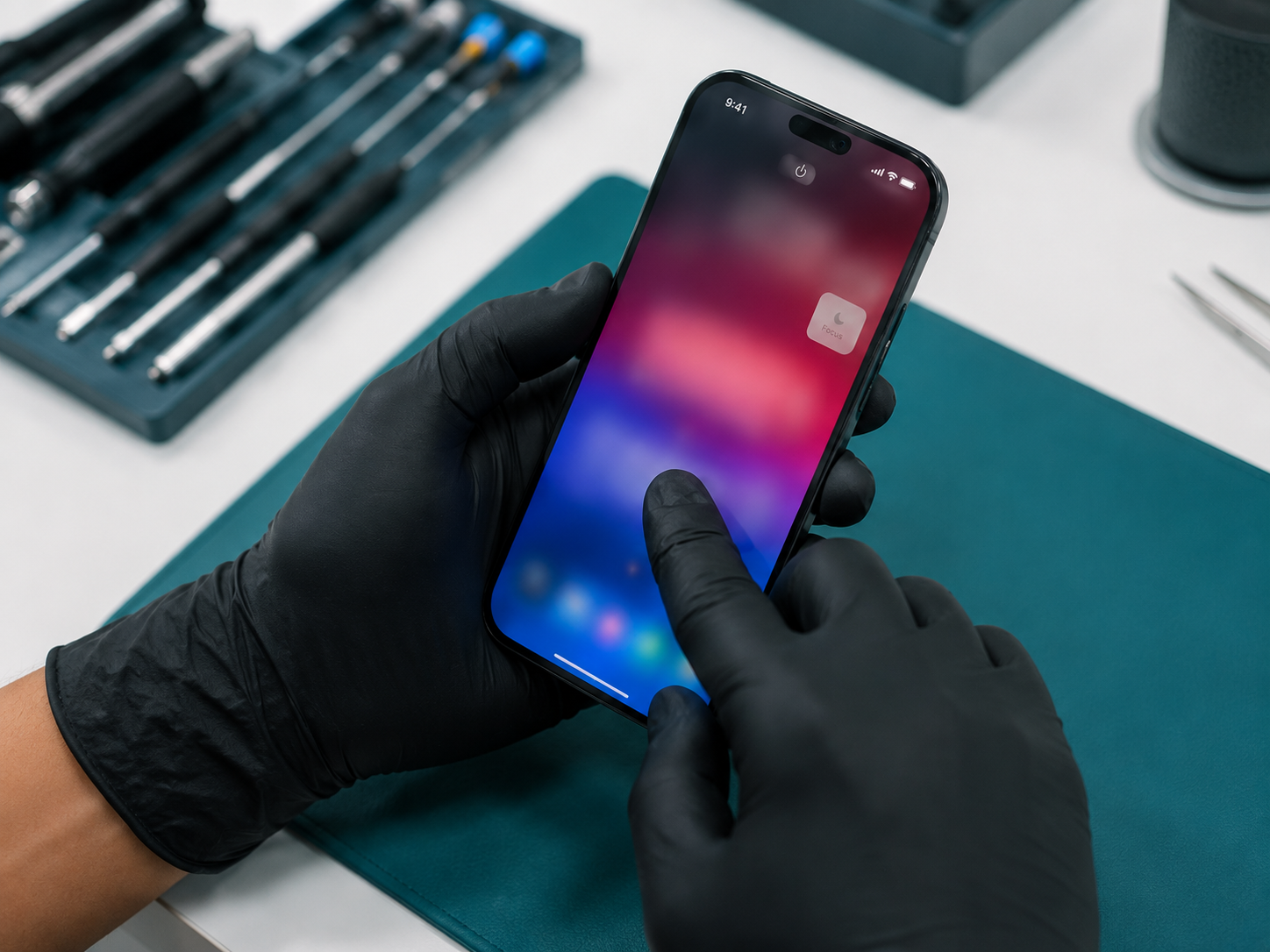
The display is one of the most valuable and frequently used parts of an iPhone, so it receives careful attention.We test touch response across the screen, including the corners and edges. We also check brightness, colour consistency, flickering, dead pixels, image retention, dark spots and unusual lines.

5. We test Face ID, cameras and video recording

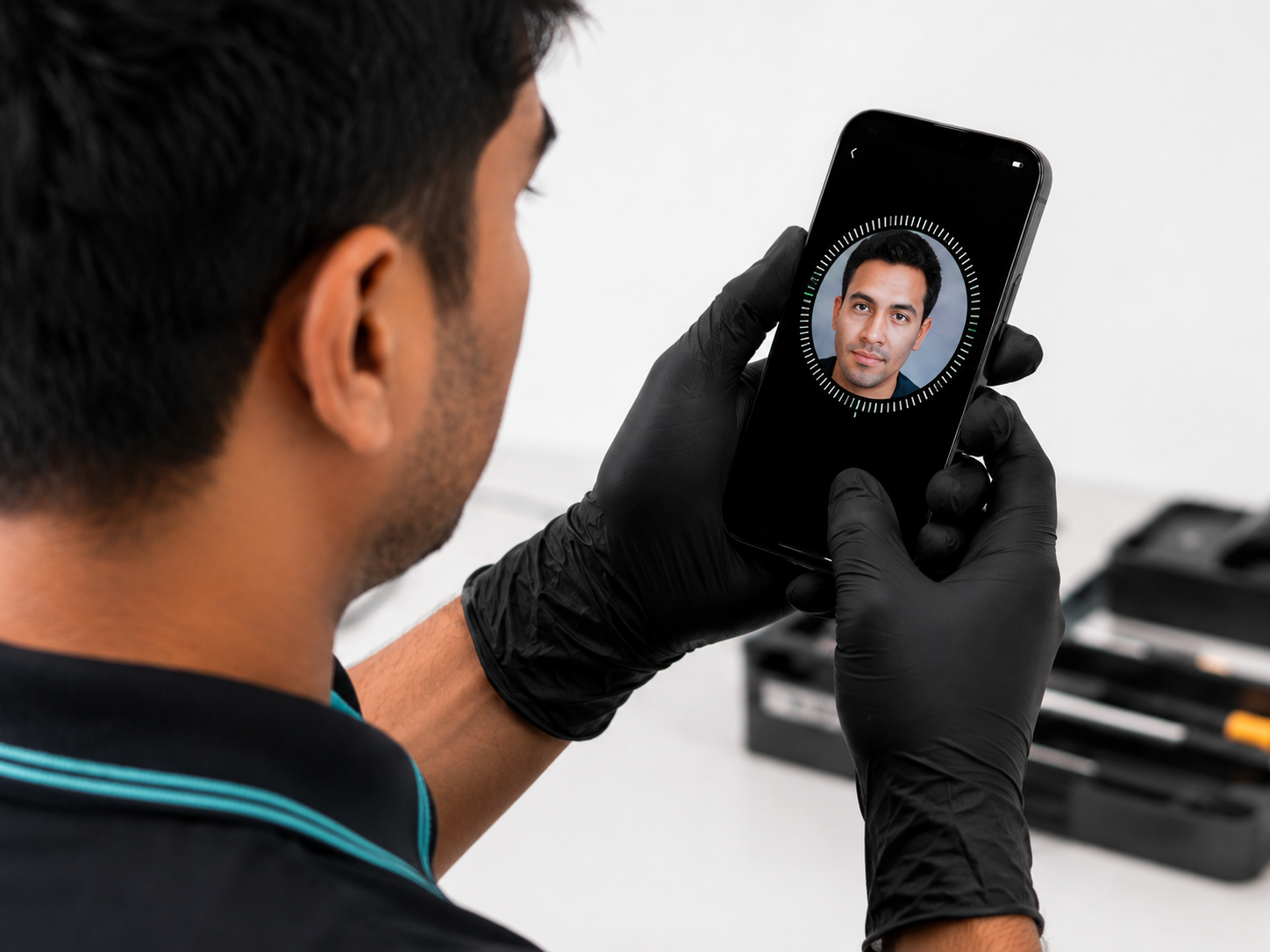
For supported models, Face ID is tested through the normal setup and unlocking process. It should recognise the user consistently and work without repeated errors.

We then test the front and rear camera systems. Depending on the model, this may include wide, ultra-wide and telephoto cameras.

The inspection covers:

  • Photo and video capture
  • Front and rear camera switching
  • Autofocus
  • Portrait mode
  • Flash
  • Zoom functions
  • Lens clarity
  • Video stabilisation
  • Microphone recording during video

We look for blur, shaking, dust spots, focusing problems, unusual noises and dark or damaged camera areas.

6. We check calls, speakers, microphones and connectivity

A phone must perform reliably in everyday communication.

We test the earpiece, loudspeaker and microphones through calls, voice recordings and media playback. The volume buttons, power button, vibration and other physical controls are also checked.

Connectivity testing can include:

  • Mobile network and SIM detection
  • Wi-Fi
  • Bluetooth
  • GPS and location response
  • Personal Hotspot
  • AirDrop
  • Charging and data connection
  • NFC-related functions where practical

Testing these features helps identify problems that may not be visible during a quick visual inspection.

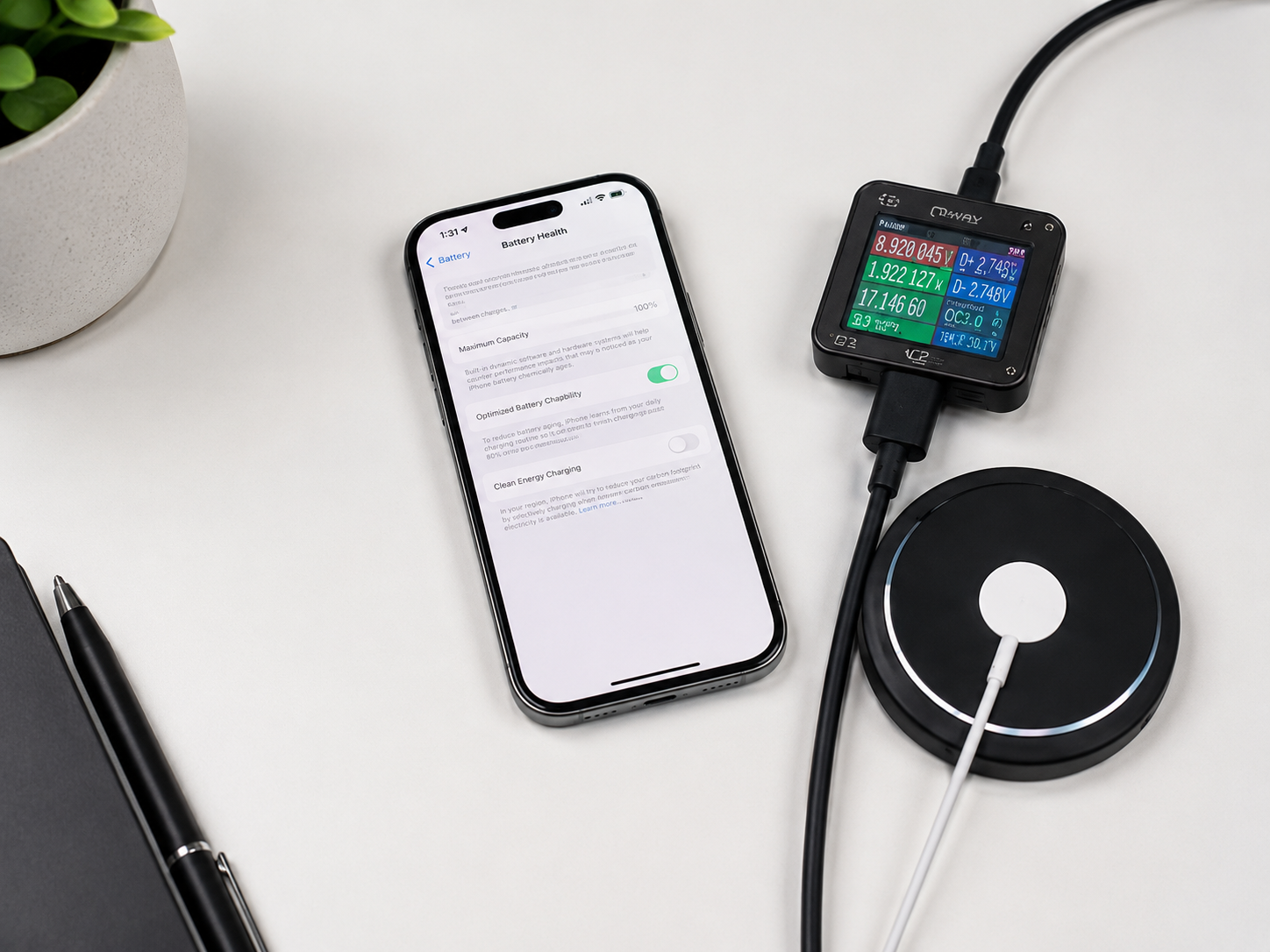
7. We inspect battery health and charging behaviour

Battery percentage alone does not tell the whole story, but it is an important part of assessing a pre-owned iPhone.

For iPhone 13 and iPhone 14 models, battery information is generally available under Settings → Battery → Battery Health & Charging. Apple notes that rechargeable batteries are consumable components whose capacity and performance gradually decline over time.

We review the available battery-health information and observe how the device behaves during charging and normal use. We check for:

  • Unexpected shutdown
  • Unusual overheating
  • Rapid percentage changes
  • Charging interruptions
  • Battery-related warning messages
  • Abnormal performance under load

For newer models, the available battery information may differ and can include additional details. Battery condition is considered together with the device’s age, model, behaviour and disclosed condition—not treated as a single number that guarantees performance.

8. We test performance, storage and temperature

The iPhone is used through common tasks to identify freezing, restarting, severe lag or other instability.

We open apps, switch between functions, record video and perform routine actions that place a reasonable load on the device. Available storage is checked against the advertised capacity, and the phone is monitored for abnormal heat.

Some warmth during charging, setup or intensive use can be normal. Persistent or excessive heating during ordinary tasks deserves further investigation.

A device that does not perform consistently should not pass final approval simply because its exterior looks attractive.

9. We confirm buttons, sensors and charging features

Smaller functions can have a major effect on everyday usability. Depending on the model, we test the:

  • Side button, Volume buttons
  • Ring/Silent switch or Action button
  • Vibration and haptic feedback
  • Proximity sensor
  • Auto-brightness response
  • Screen rotation
  • Wired charging
  • Wireless charging, MagSafe alignment and charging

These checks help ensure that the phone feels complete and dependable in daily use.

10. We erase, clean and grade the device honestly

After testing, approved phones are erased and prepared for sale.

The body, cameras, display and ports are cleaned carefully without using methods that could damage the device. The phone is then assigned an appropriate cosmetic condition based on visible wear.

The product description should accurately show:

  • Exact model and storage
  • Colour
  • Battery information
  • Cosmetic condition
  • Relevant repair information
  • Included accessories
  • Warranty or service support

Clear product photographs are especially important. Customers should be able to see the actual condition rather than depend entirely on generic promotional images.

11. We perform a final quality review before listing

The final stage confirms that the device information, test results and product listing agree with one another.

This reduces the risk of incorrect model names, inaccurate storage information, missing condition details or devices being listed before all essential checks are completed.

Only after this review is the phone prepared for sale as an authentic pre-owned iPhone from Elite Gadgets.

12. What our verification means for you

When you buy a pre-owned iPhone, you should not have to depend on guesswork. Our verification process is designed to help you understand what you are buying, including the device identity, security status, visible condition, battery information, repair history and important functionality. Apple’s own pre-owned buying guidance recommends checking physical condition, battery health, parts and service history, Activation Lock, buttons, cameras, speakers and display quality.

At Elite Gadgets, we use these important areas as the foundation of a practical inspection process for the devices we offer.

Buy authentic pre-owned iPhones with greater confidence

Explore our collection of iPhone 13, iPhone 14 and iPhone 15 series devices and choose the model that fits your needs and budget.

Every product listing should clearly state the phone’s model, storage, condition and available battery information. Eligible purchases are also supported by our 15-day replacement warranty and 12-month free servicing, subject to the official terms and conditions.

Leave a Reply

Your email address will not be published. Required fields are marked *